Liquidity
Liquid Unstaking is only possible thanks to the Liquidity Providers (LP) who supply the protocol with the Tokens ($NEAR; $AURORA, $ETH) required for instant swaps (withdrawals) with the respective LSTs ($stNEAR, $stAUR, $spETH). Liquidity Providers earn Liquid Unstaking fee.
To add or withdraw $NEAR as a liquidity provider:
-
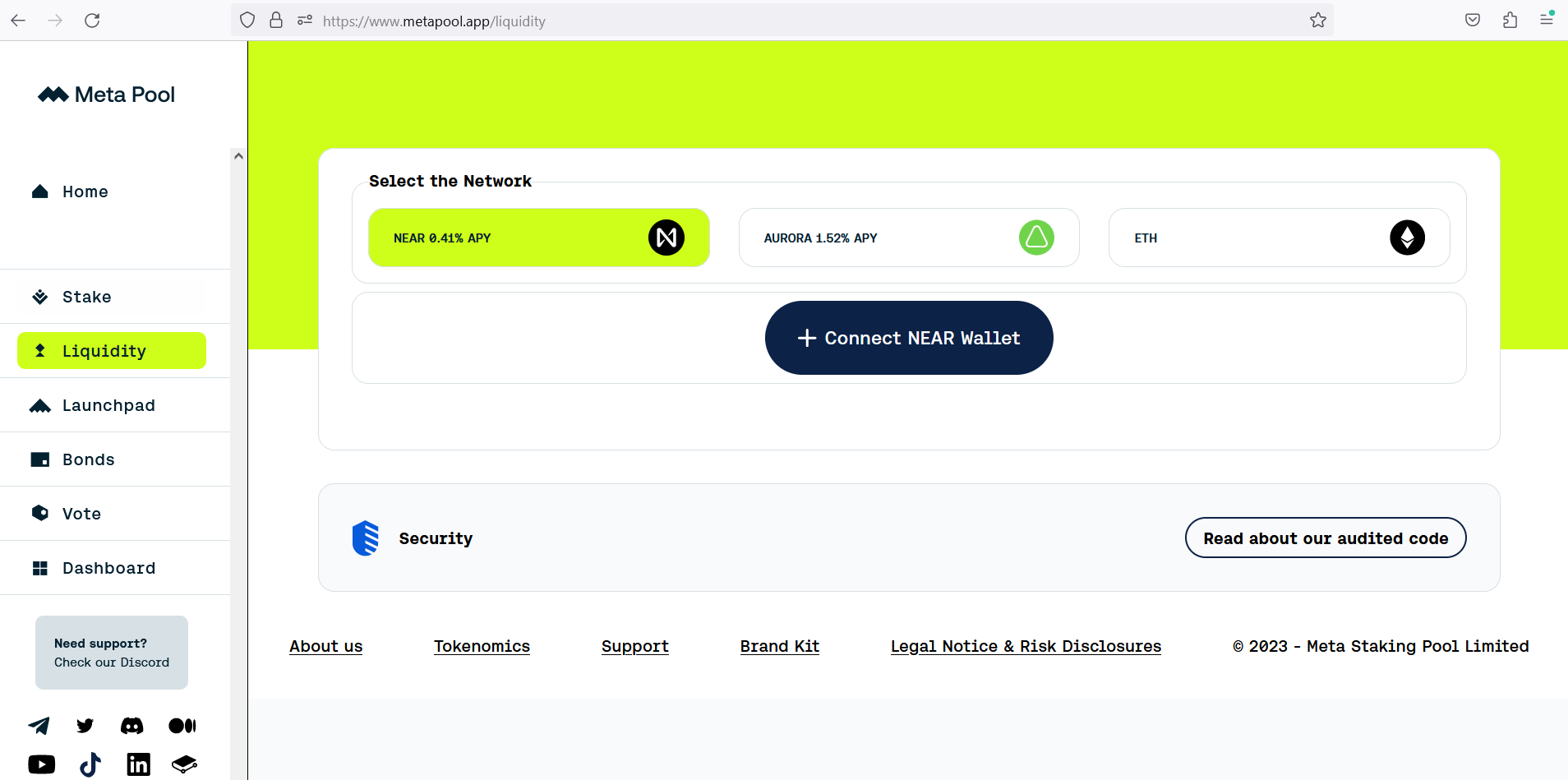
Go to https://www.metapool.app/ an then to the section Liquidity.
Or directly to: https://www.metapool.app/liquidity -
Network selection: Choose the Network of your preference. Note that by default the liquidity is in the NEAR Network, but make sure to select the desired Network.
-
Connect your wallet by clicking the Connect wallet button.
-
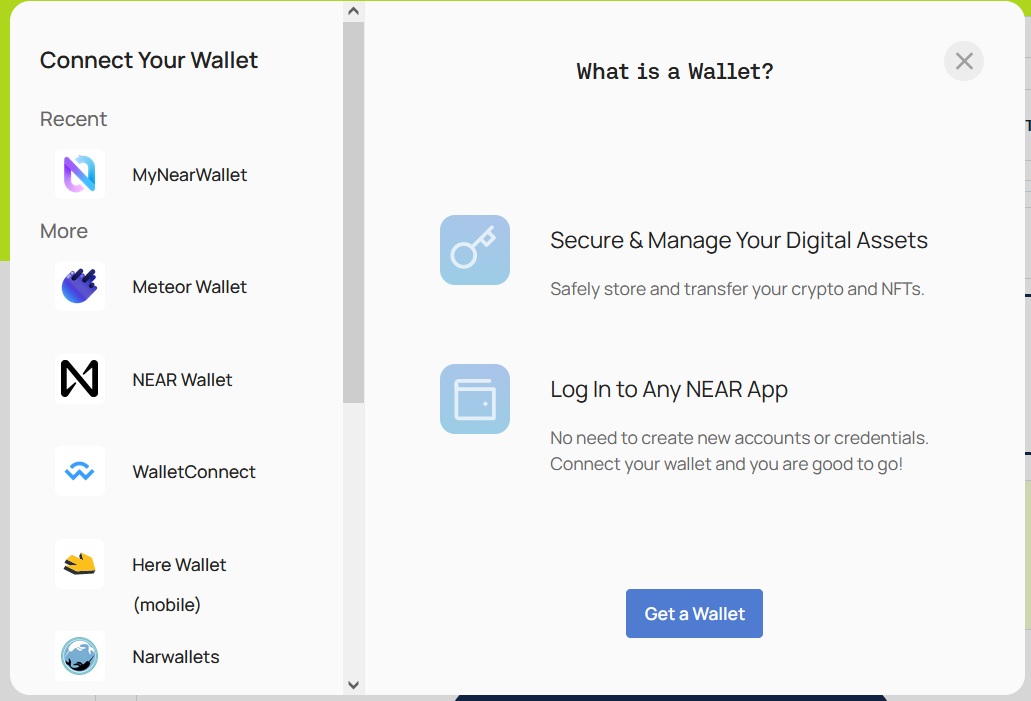
Choose your preferred wallet according to the Network preselected before, for this example, we will use MyNearWallet for the $NEAR token.
-
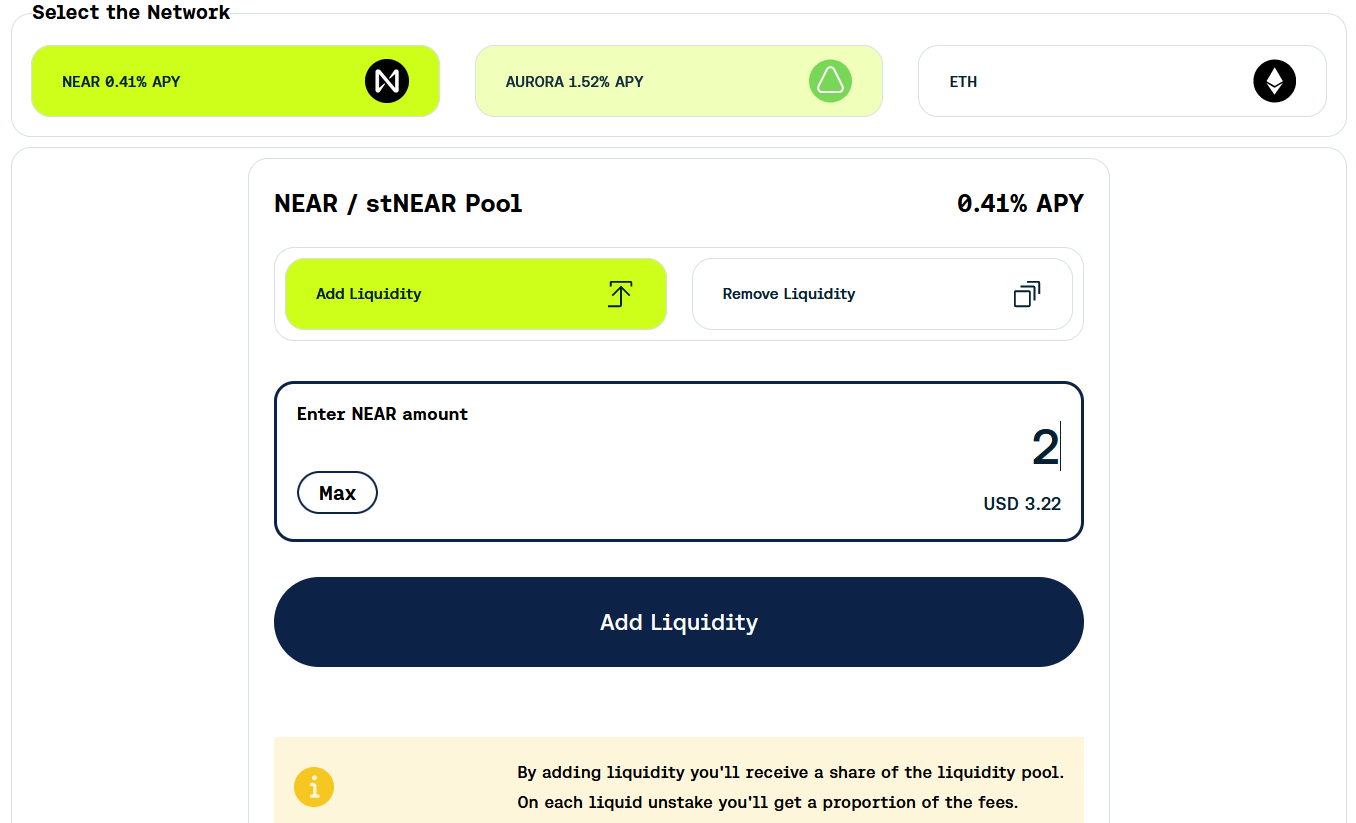
Select whether you want to Add, the “Add Liquidity” or to Remove the “Remove Liquidity” option.
-
Enter the amount to add or remove liquidity.
-
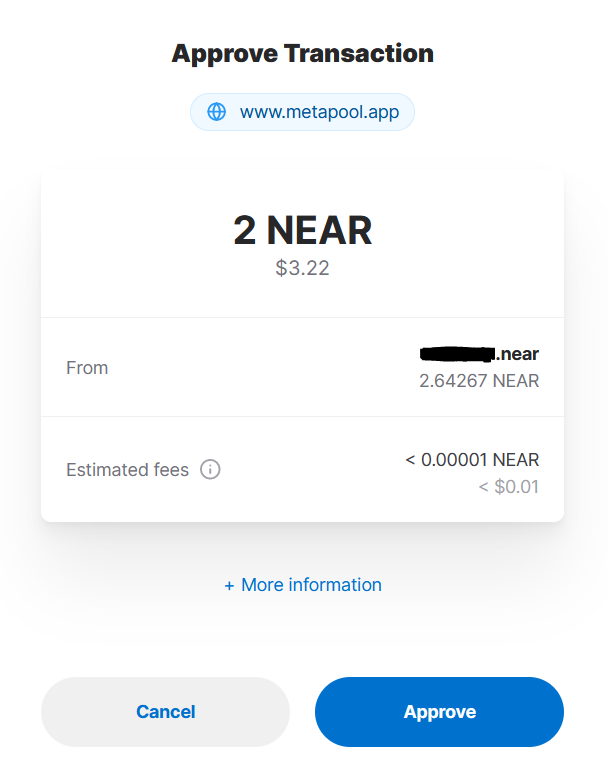
Add or Remove: click on the “Add Liquidity” button or the “Remove Liquidity” button and “Approve” or “Confirm” the transaction in your wallet.